
Follow Us
Admissions Open
Computer & Digital Technologies

Microsoft Office

4-6 Weeks Face-to-face | Online Computer & Digital Technologies
Computer & Digital Technologies

Microsoft Office

4-6 Weeks Flexible Learning Duration
Face-to-face | Online Learn Your Way
Computer & Digital Technologies Gain Practical Skills
Certified Qualification
Experienced Trainers
Better Career Opportunities

Overview

The Microsoft Office course provides practical, hands-on training in the essential Microsoft Office applications used in modern workplaces, education, and business environments. Learners will develop the skills needed to create documents, manage data, prepare presentations, and complete common office tasks.


About the Microsoft Office Course

Microsoft Office is widely used for administration, business communication, data management, reporting, presentations, and everyday office activities. Developing strong skills in these applications can improve productivity and workplace confidence. This course provides practical experience in creating and formatting professional documents, working with spreadsheets and basic calculations, preparing presentations, and applying Microsoft Office skills to common workplace tasks.

How Do You Benefit from the Microsoft Office Course?

The course helps learners develop practical Microsoft Office skills that can be applied in office, business, education, and administrative environments. Participants will gain confidence in creating professional documents, managing information, preparing presentations, and completing digital workplace tasks efficiently.

Course Highlights

Microsoft Word

Create, edit, format, and manage professional documents.

Microsoft Excel

Create spreadsheets, organise data, and perform basic calculations.

Microsoft PowerPoint

Design and deliver professional presentations.

Document Formatting

Apply formatting, layouts, tables, and other document features.

Spreadsheet Skills

Work with formulas, functions, data, and basic spreadsheet tools.

Presentation Design

Create clear and organised presentations.

File Management

Save, organise, and manage Microsoft Office files.

Practical Office Skills

Apply Microsoft Office applications to everyday workplace tasks.

Certificate of Completion

Participants receive a CNA Training Institute Certificate of Completion upon successful completion of the course requirements.

KHDA Recognised Course

This course is KHDA-approved and comes with a KHDA-attested certificate upon successful completion.

Course Modules and Skills

The course focuses on the core Microsoft Office applications and practical workplace skills.

01
Understand the basic functions of Microsoft Office applications.
02
Create and format documents using Microsoft Word.
03
Create and organise spreadsheets using Microsoft Excel.
04
Apply basic formulas and functions in Excel.
05
Create and format presentations using Microsoft PowerPoint.
06
Insert and manage tables, images, and other document elements.
07
Organise and manage Microsoft Office files.
08
Apply Microsoft Office skills to practical office tasks.

Course Summary

Key information about the course at a glance.

Entry Level Requirements

  • High School & Good English Communication
  • Passport/Emirates ID
  • Minimum age: 16+

Course Duration

  • 3-4 Weeks
  • Online and face-to-face classes
  • Flexible schedule.

Credentials

Completion Certificate from CNA Training Institute and Certificate attested by KHDA Dubai.

Course Fee & Payment Options

  • Contact us for the current course fee.
  • Payable by bank transfer or payment link.

Course Structure and Assessment

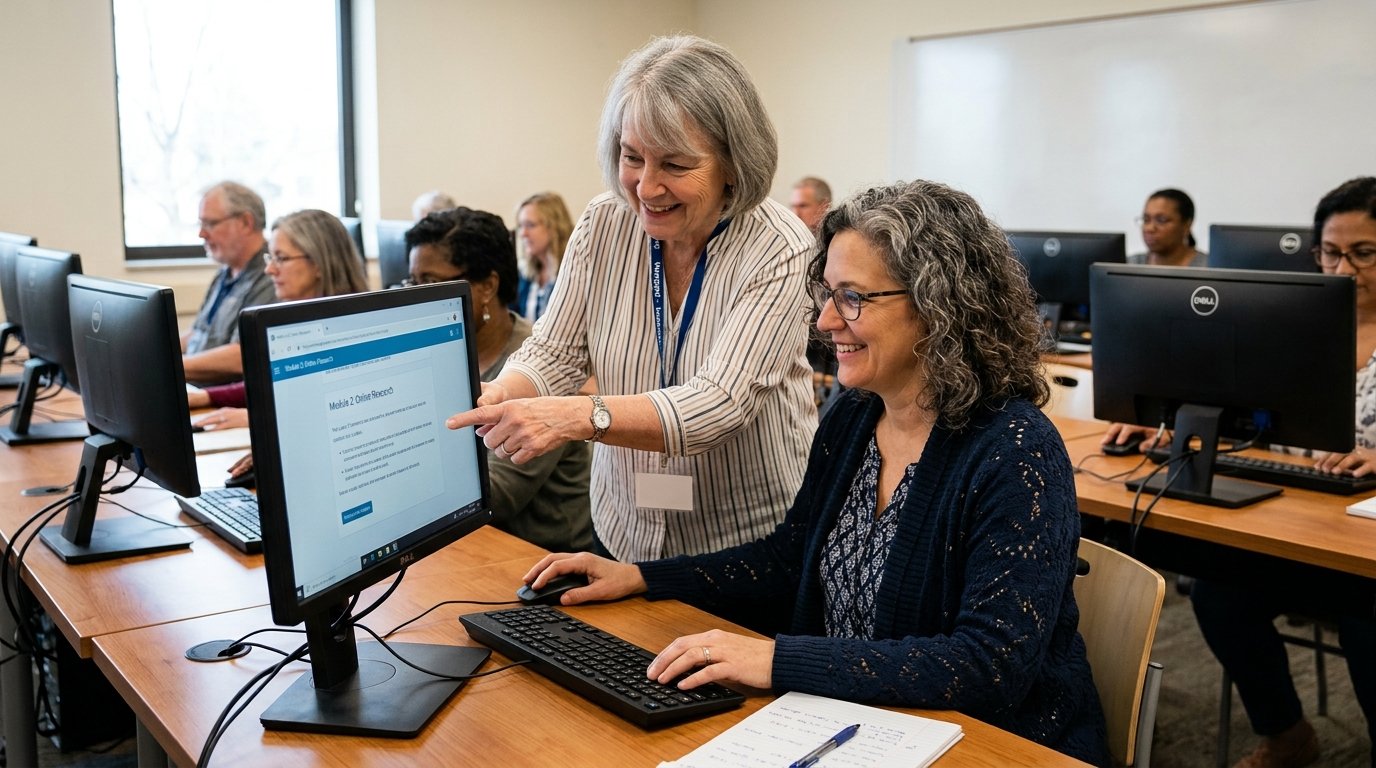
The course is delivered over 4-6 weeks through instructor-led sessions, demonstrations, guided practice, and hands-on computer activities. Learners will complete practical exercises using Microsoft Office applications and work with examples based on common office situations. Assessment may include practical computer tasks, document creation, spreadsheet exercises, presentation activities, assignments, and knowledge-based tasks.

Career Opportunities

Administrative Assistant
Office Assistant
Data Entry Assistant
Clerical Assistant
Receptionist
Office Coordinator
Administrative Support

Frequently Asked Questions

Find quick answers to the most common questions about our courses,
enrollment process and more.

Who can take the Microsoft Office course?

The course is suitable for beginners, students, job seekers, office staff, and professionals who want to improve their Microsoft Office skills.

Which Microsoft Office applications are covered?

The course covers Microsoft Word, Microsoft Excel, and Microsoft PowerPoint.

Will the course include practical computer work?

Yes. The course is hands-on and includes practical exercises using Microsoft Office applications.

Will I receive a certificate?

Yes, Completion Certificate from CNA Training Institute and Certificate attested by KHDA Dubai.

How long is the course?

The course is completed over 4-6 weeks.

Do I need previous Microsoft Office experience?

No. The course is suitable for beginners as well as learners who want to strengthen their existing skills.

Will I learn Microsoft Excel formulas?

Yes. The course introduces basic Excel formulas and functions for common calculations and data tasks.

Get In Touch

Enquire Now

Tell us about your goals — our admissions team will get back to you.

Request Course Information